Journal
Every trade keeps the setup, the risk and the note you wrote at the time. The reasoning survives the result.
MNQOpening range+$603.00
EURUSDLondon reversal−$182.40
XAUUSDTrend continuation+$914.25
Tradoxy
Journal the decision, review the execution, and turn real account data into a repeatable trading edge.
7
Supported platforms
$0
Free plan, forever
2
One-click history imports
3
Plans, including free
Turn any trading account into a record you can trust. Journal the decision while it is fresh, measure the execution against it, and share progress that came from a real synced account.
The workspace
Every trade keeps the setup, the risk and the note you wrote at the time. The reasoning survives the result.
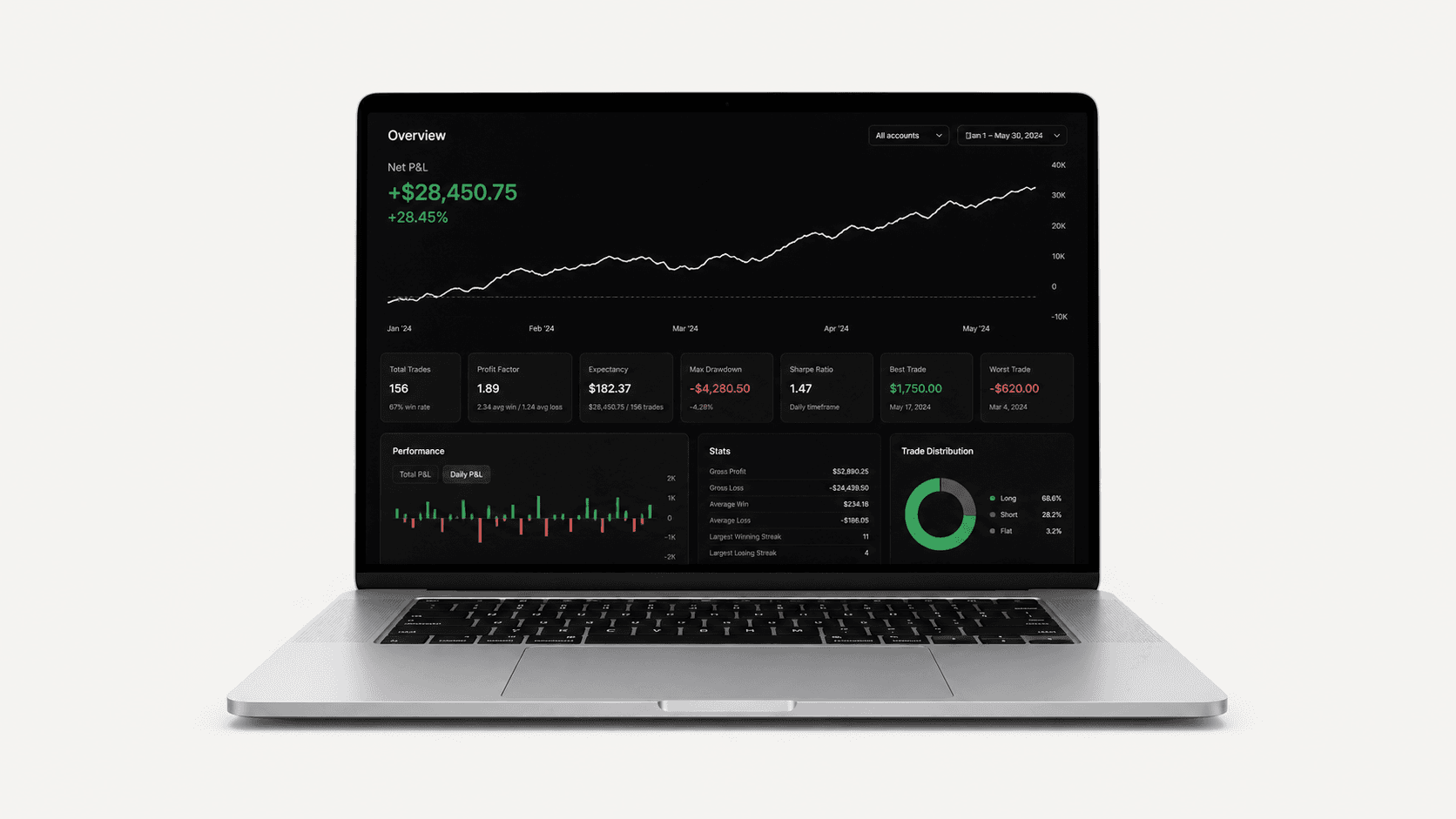
Net P&L, win rate and profit factor across every connected account, with a calendar that shows the streaks.
Net P&L
+$12,840
Share results that came from a real synced account, inside a private space where the numbers can be checked.
Weekly review
12 traders checked in
Bring in an account from the platform you already trade, or keep a manual one. Manual accounts are free and need no card.
Net P&L, win rate and profit factor, with a calendar that shows the streaks before they turn into a bad month.
Tradoxy
One workspace,
every account.
The setup, the risk and the note you wrote at the time stay attached to the result, so a pattern is findable later.
Post progress from a real synced account into a private community, or export a clean card for anywhere else.
Inside the workspace
Dashboard
Net P&L, win rate and profit factor for every connected account, on one screen.

Tradovate
Futures

cTrader
Forex & CFD

MetaTrader 5
Multi-asset

NinjaTrader
Futures

TradeLocker
Multi-asset

Match-Trader
Forex & CFD

ProjectX
Futures
$0forever
The essentials for starting a focused trading journal.
$15per month
Verified workspace with account sync and expanded analytics.
$25per month
The complete workspace with account-scoped artificial intelligence.
Billed monthly, cancel from the billing portal at any time. There is no trial — the Free plan is the trial, and it does not expire.
Yes, and it does not expire. Free gives you the feed, your profile, trade sharing, a manual trade journal, one trading account, and the core dashboard and calendar.
No trial. Standard and Pro are billed monthly from the day you subscribe. The Free plan is there so you can use the workspace properly before paying for anything.
Tradovate, cTrader, MetaTrader 5, NinjaTrader, TradeLocker, Match-Trader and ProjectX. MT5 and cTrader history imports are part of the Standard plan; manual accounts work on every plan.
No. Manual accounts are free and sign-up asks for no payment details.
It answers from your own journal data, in your language: account reports built from the trades you logged, and notifications about risk, psychology patterns and news that touches your instruments.
From the billing portal, which opens from the pricing page once you are subscribed. Cancelling leaves your journal and profile in place on the Free plan.
Your next session starts here